
Payments are applied to the invoice to close the invoice as paid. These payments created are a summary of the tender types that are accepted in your Clover account.
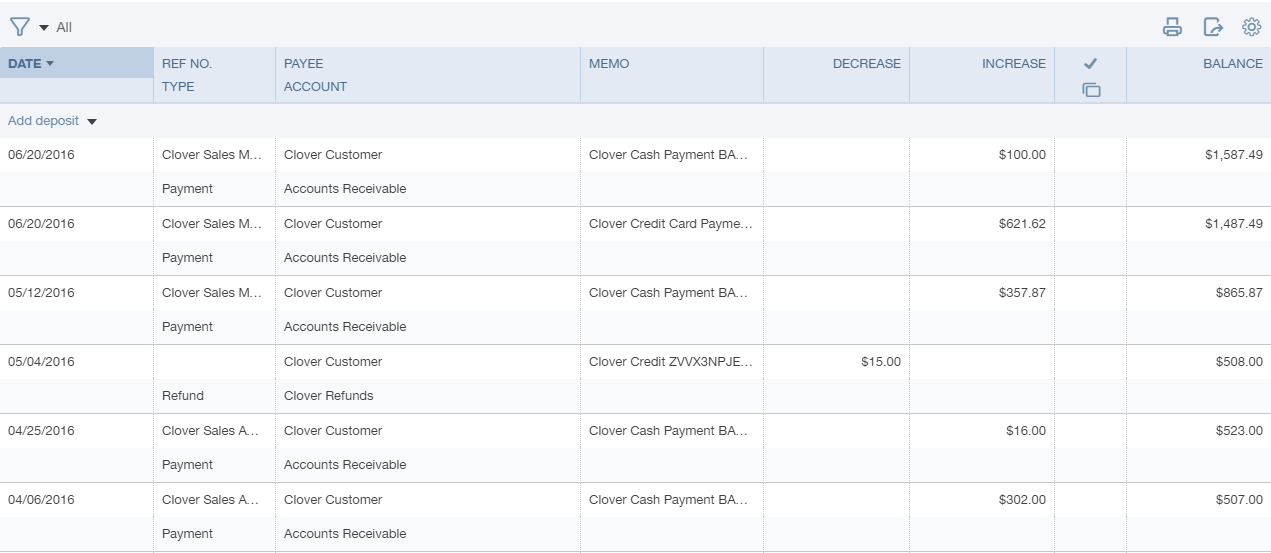
Payments will be associated to your Undeposited Funds account by default. You can change the Clearing Account in your Commerce Sync settings to map Credit Card, Cash, Checks and Other Payment Types to a different account.
From your QuickBooks Online account, click on your company name in the top right area of your screen, then click on the Chart of Accounts menu option. Locate or search for your Undeposited Funds account (or the Clearing Account you have selected) to view the payments Commerce Sync has transferred.
Comments
0 comments
Please sign in to leave a comment.